Skip to content
Deadside hacks Aimbot soft aim and target ESP overlay

Deadside · Worldwide · deadsidehacks.org

Deadside Hacks — Aimbot, ESP & Wallhack

Deadside hacks for Windows PC — player ESP, item ESP, aimbot, battle mode, stream-proof overlay and live patch compatibility.

UD

Live patch compatibility status for Deadside. Updated after patches — not random Discord screenshots.

DS
Deadside

“Bought it for player ESP and mild aimbot. Updates landed fast after the last Deadside patch — finally an honest shop.”

JK

jayk

Deadside player

Deadside aimbot, player ESP, item ESP & stream-proof overlay

Deadside aimbot

Enable aimbot with aim key, hold or always-on modes, bone selection, FOV, smoothing, visible check and distance caps.

ESP / Wallhack

Player ESP with box, skeleton, name, corpse and view line plus filtered item ESP for loot runs.

Stream-proof overlay

External overlay built to stay out of common capture tools when stream-proof mode is enabled.

Patch compatibility

We track live Deadside builds and ship compatibility updates after major patches — subscribers included.

Preview

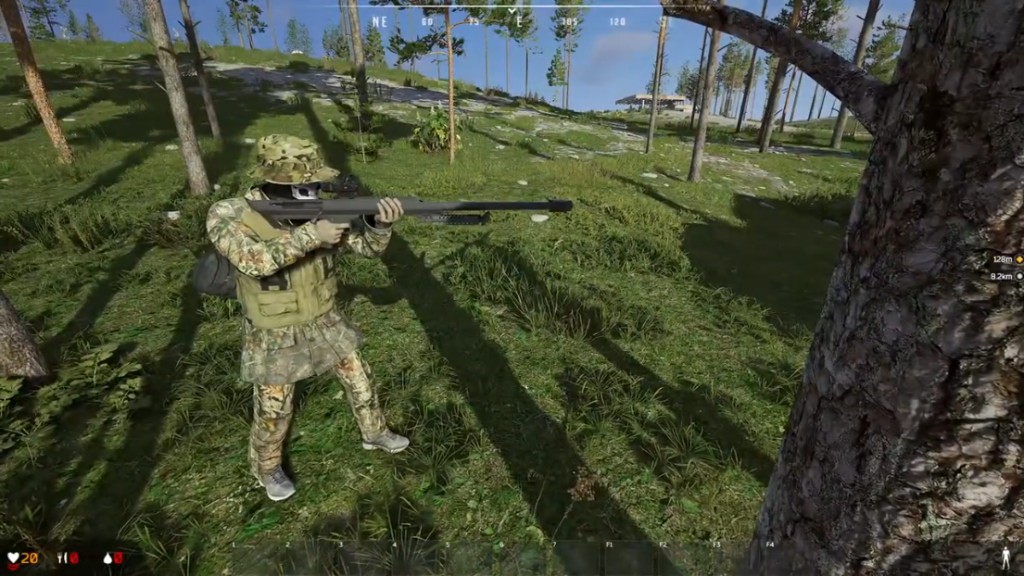
Deadside hacks preview — aimbot, ESP & wallhack

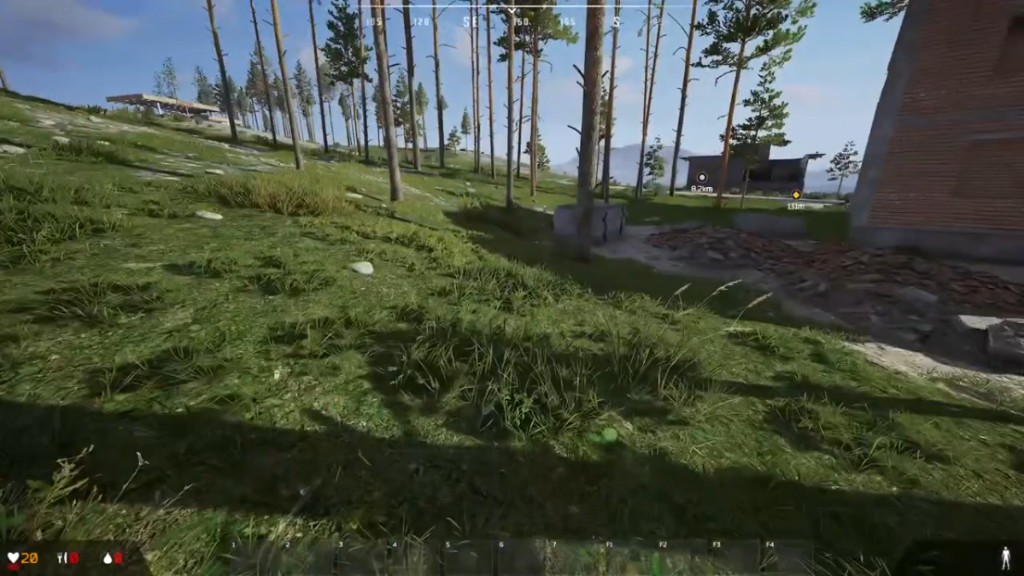
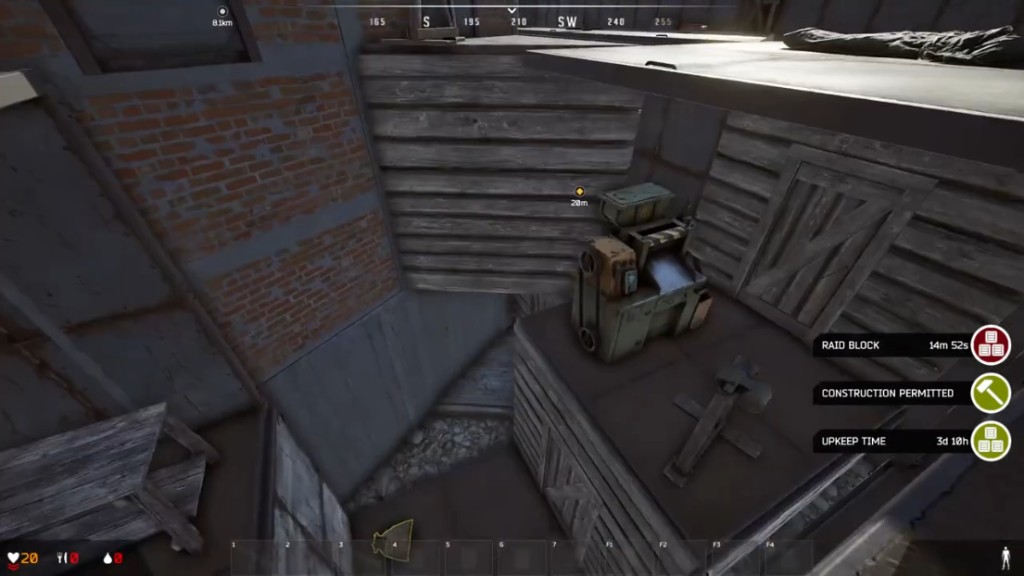
Interactive Deadside hacks preview — Deadside aimbot, player ESP, item ESP, wallhack, stream-proof overlay and corpse ESP on Windows PC. Every screenshot maps to live menu modules before you buy.

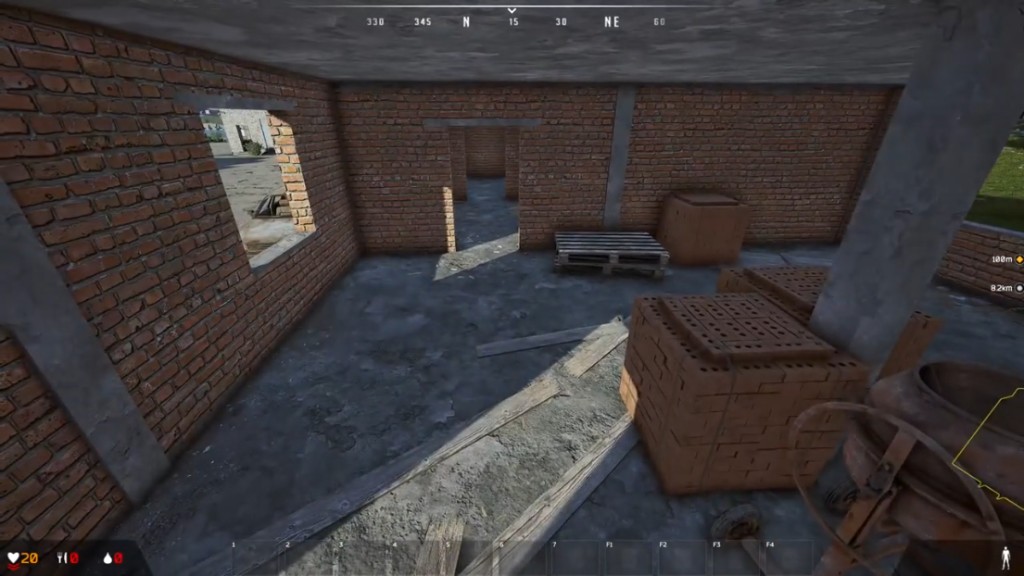
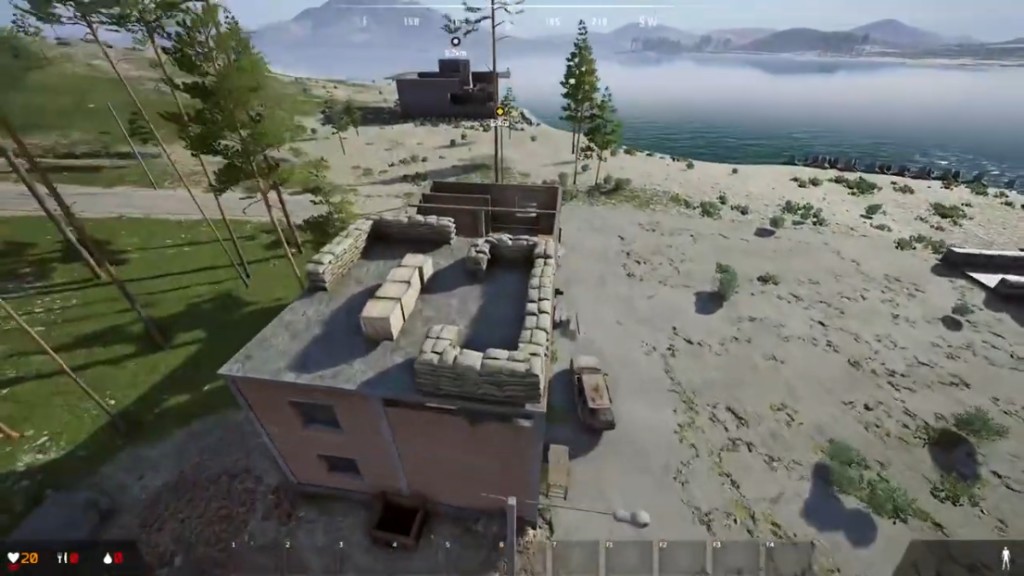
Deadside player ESP wallhack with box overlay through brick structures on PC

1 / 6

Use arrows to browse all Deadside hacks screenshots — aimbot, ESP, item ESP and overlay previews.

Visual options

Player ESP & wallhack

Deadside player ESP and wallhack for PvP — see targets through cover before you push a raid or rotate out of a fight.

  • Box, skeleton, name, corpse and view line overlays
  • Deadside ESP and wallhack tuned for open-world PvP
  • Distance readouts for safer peeks and third-party checks
  • Player ESP & wallhack: Deadside player ESP and wallhack for PvP — see targets through cover before you push a raid or rotate out of a fight. Box, skeleton, name, corpse and view line overlays Deadside ESP and wallhack tuned for open-world PvP Distance readouts for safer peeks and third-party checks
  • Deadside aimbot: Deadside aimbot with aim key, hold or always-on modes, bone selection and FOV controls for precision without a robotic snap. Enable aimbot, set aim key, Always Aim or Hold mode Head, neck, body or pelvis — aim on NPC with visible check Draw FOV, FOV size, smoothness and distance caps
  • Item ESP & loot filters: Deadside item ESP highlights clothing, weapons, consumables, resources, tools, devices and money so stash runs stay fast. Filter overlays by loot category — not one noisy rainbow HUD Deadside loot ESP and resource ESP for efficient farming Pair with player ESP when you hear footsteps near a stash
  • Battle mode & raid tools: Toggle battle mode for contested raids, use the built-in crosshair, and save separate configs for looting versus PvP. Battle mode for combat-heavy sessions Crosshair overlay without touching game files Save, load, import and export config profiles
  • Stream-proof overlay: Deadside stream-proof overlay support keeps the external menu out of common capture tools when configured correctly. Deadside stream proof setup for OBS and Discord capture External Deadside hack overlay — not in-game file edits Test your exact streaming stack before going live
  • Corpse ESP & tracking: Corpse markers help you spot fresh fights, avoid bait bodies, and track where squads wiped on the map. Corpse ESP alongside name and skeleton player ESP Deadside enemy tracker context for rotating safely Works with view lines for quick situational reads
Forums

Deadside Hacks forums

Bigger setup library — Aimbot, ESP, radar hack, frontline tips, patch compatibility and loader fixes before you buy.

Browse forums

Latest guides

13 threads

Features

Deadside Hack Features Checklist

Checklist of every Deadside hack module on deadsidehacks.org — aimbot, player ESP, item ESP, battle mode, configs and stream-proof overlay — before checkout from $35.

Features

Aimbot

Deadside Aimbot Settings

Tune Deadside aimbot FOV, smoothing, vehicle targeting and no recoil so tracking stays effective without looking robotic to spectating staff.

Aimbot

ESP

Deadside ESP and Wallhack Setup

Configure Deadside ESP and wallhack for player boxes, vehicle occupants, structure ESP and resource highlighting without flooding your HUD.

ESP

Radar

Deadside Radar Hack Overlay Guide

Use the Deadside radar hack 2D overlay to track off-screen soldiers, vehicles and structures and rotate safer across the hex.

Radar

Hotkeys

Deadside Hacks Hotkeys After Load

Menu and toggle hotkeys for Deadside hacks after a clean load — Aimbot, player ESP, vehicle ESP, radar and panic binds.

Hotkeys

Setup

Complete Deadside Hacks Setup

Step-by-step Deadside hacks setup: buy from $35, HVCI and Core Isolation, HVCI, load order, enable ESP and Aimbot, save configs, re-check EAC.

Setup

Windows

Deadside Hacks on Windows 10 and 11

Windows 10/11 prep for Deadside hacks — HVCI ON, Core Isolation ON, TPM ON, Secure Boot ON, HVCI and Core Isolation and a clean first launch against EAC.

Windows

Antivirus

Antivirus Exclusions for Deadside Hacks

Allowlist Deadside hacks in Windows Defender and common antivirus so the loader is not quarantined before first run.

Antivirus

Stream

Stream-Proof Deadside Hacks for OBS

Hide Deadside ESP, vehicle overlays and Aimbot from OBS and capture tools with stream-proof mode.

Stream-proof

Status

Deadside patch compatibility: Clear to Load vs Updating

What clear-to-load and Updating mean for Deadside hacks after patch compatibility and game patches — and why staff bans are a separate risk.

patch compatibility

Status

patch compatibility Checklist Before You Buy or Load

Short patch compatibility status checklist for Deadside hacks — confirm clear-to-load before checkout and before every post-patch session.

Status check

Warfare

Safer Deadside Cheat Settings for Frontline Play

Safer Deadside hack defaults for war and frontline play — ESP-first, mild vehicle Aimbot, radar awareness and report-conscious habits.

Frontline

Support

Fix Deadside Hacks Loader Errors

Troubleshoot Deadside hacks loader errors — menu not opening, instant close, antivirus quarantine and failed HVCI and Core Isolation inject.

Loader fixes

Deadside Hacks product

Detailed features · patch compatibility · price · checkout

Details

About Deadside Hacks

Live patch compatibility before you buy Deadside hacks

Buy Deadside hacks for Deadside on Windows PC — player ESP, item ESP, loot ESP, Deadside aimbot, stream-proof overlay, battle mode and config import/export with instant digital delivery. Clear features, honest status labels, and deep forums for setup. Then check feature list , reviews, or support.

Pricing

Checkout

Buy Deadside Hacks

Confirm Deadside Hacks patch compatibility is clear to load, then checkout for digital delivery on supported Windows builds — worldwide.

Get license

Deadside Hacks FAQ

patch compatibility, Aimbot and ESP, HVCI and Core Isolation, delivery and checkout — before you buy.

Does this work on the current Deadside build?

Yes. We track live patches and push compatibility updates after major game changes. Active subscribers get updates at no extra cost.

What do I need to run it?

Windows 10 or 11 on Intel or AMD with HVCI ON, Core Isolation ON, TPM ON and Secure Boot ON. Follow the Windows setup guide before your first load.

Is the overlay stream-proof?

Yes — the overlay supports stream-proof behaviour for common capture and streaming tools when configured per the stream-proof setup guide. Test with your exact OBS or Discord settings before going live.

Monthly vs lifetime — what is the difference?

Monthly is a subscription with recurring billing and continuous compatibility updates while active. Lifetime is a one-time purchase for long-term access and updates tied to that license tier — confirm current tiers on checkout.

How do I get support after purchase?

Use the Support page and your checkout order channel. Include your license email, Windows version and a short description of loader or menu issues — support is 24/7.

Full FAQ →